

Ambient Image
The AmbientImage component is used to display images in a visually appealing manner by generating an ambient glow background effect that replicates and blurs the dominant colors of the image. This creates an environmental radiance effect that helps the image blend better with its surroundings.
Installation
Section titled “Installation”Since OrbitUI components are copied directly into your project, you’ll add the AmbientImage component using the OrbitUI CLI:
npx orbitkit@latest add button-groupImport the AmbientImage and AmbientFigcaption components and use them in your Astro components or pages. It’s important to provide the src, alt, and width (or height) attributes for the image to load correctly.
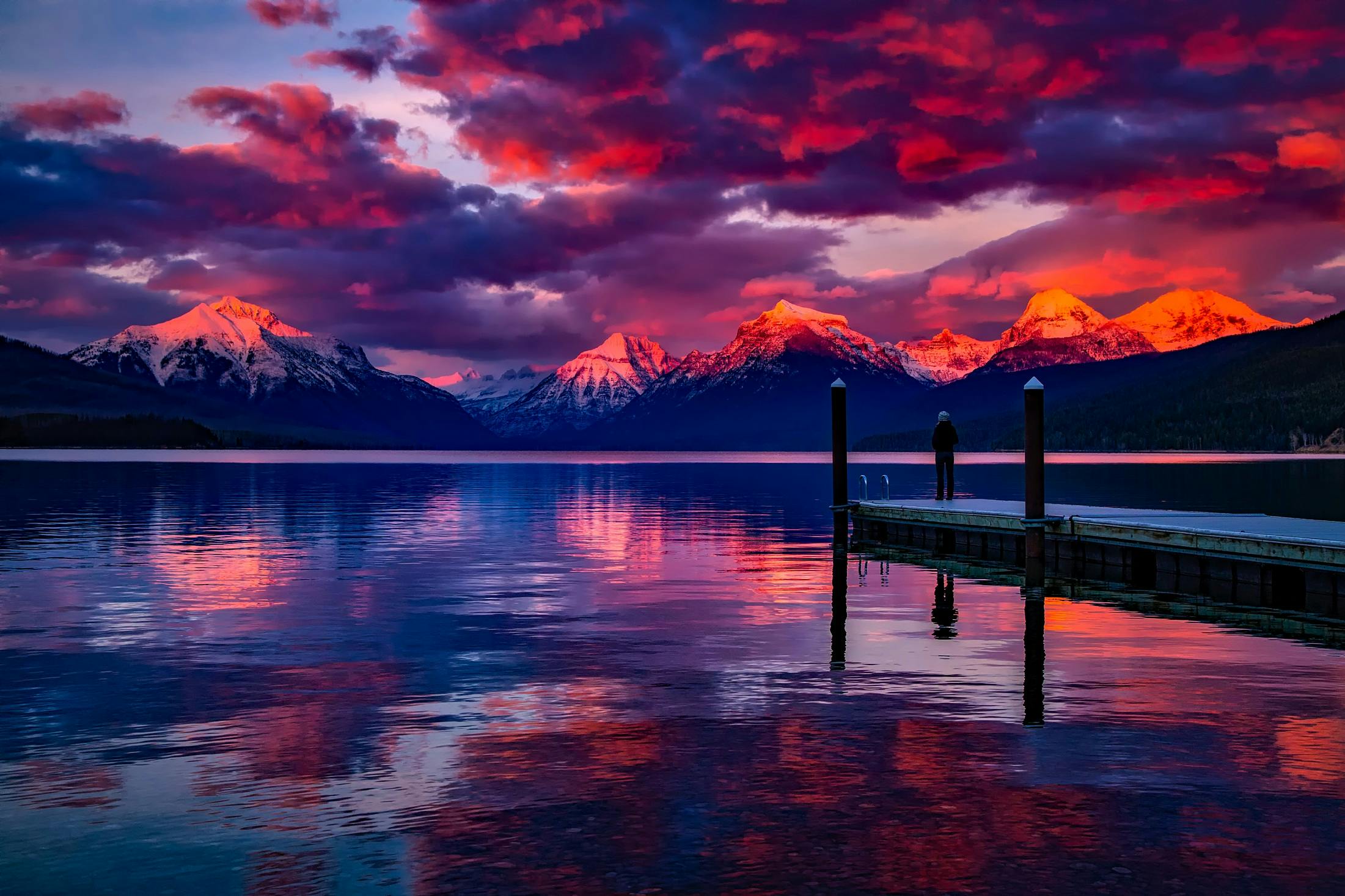
Dock Under Cloudy Sky in Front of Mountain
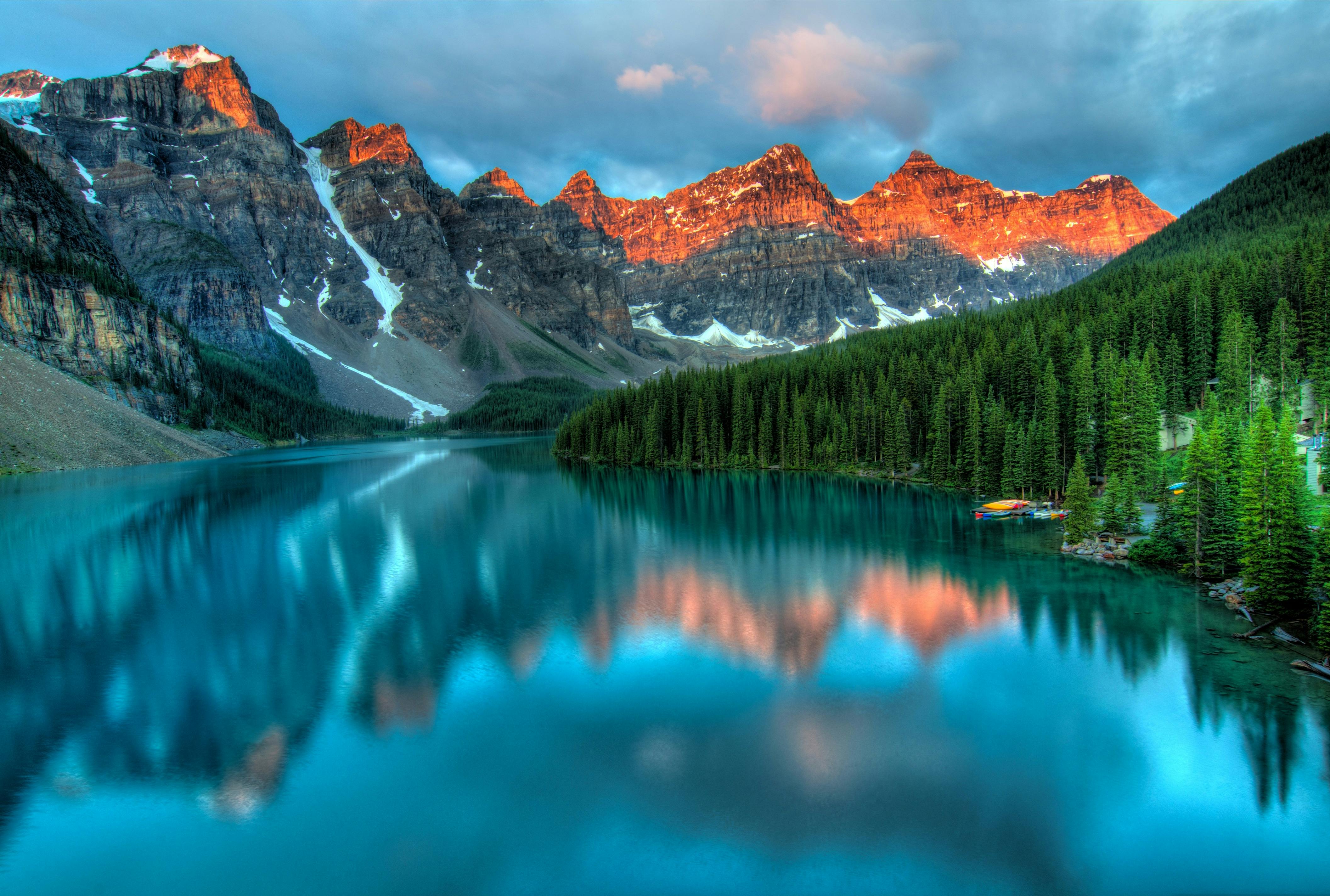
---import { AmbientFigcaption, AmbientImage } from "@/components/ui/ambient-image";---<div class="space-y-16"> <AmbientImage src="https://images.pexels.com/photos/206359/pexels-photo-206359.jpeg" alt="Dock Under Cloudy Sky in Front of Mountain" > <AmbientFigcaption> Dock Under Cloudy Sky in Front of Mountain </AmbientFigcaption> </AmbientImage> <AmbientImage src="https://images.pexels.com/photos/417074/pexels-photo-417074.jpeg" alt="Lake and Mountain" /></div>AmbientImage
Section titled “AmbientImage”The AmbientImage component accepts standard HTML attributes for <figure>, plus key HTML attributes for <img>, and several optional properties to customize the ambient effect.
| Prop | Type | Default |
|---|---|---|
src | string | "" |
alt | string | "" |
width | number | undefined |
height | number | undefined |
loading | lazy, eager, undefined | undefined |
blur | number | 15 |
saturate | number | 150 |
contrast | number | 100 |
brightness | number | 100 |
opacity | number | 80 |
class | string | '' |
src: Required,The URL of the image to display.alt: Required,Descriptive alternative text for the image.width: The width of the image. Must specify either width or height.height: The height of the image. Must specify either width or height.loading: Image loading behavior (e.g., for optimization).blur: The degree of blur applied to the background (in pixels).saturate: Color saturation multiplier for the background (as a percentage).contrast,Contrast multiplier for the background (as a percentage).brightness: Brightness multiplier for the background (as a percentage).opacity: Opacity of the background (as a percentage).
AmbientFigcaption
Section titled “AmbientFigcaption”The AmbientFigcaption component is used to provide a concise caption within the AmbientImage container. Supports any standard HTML <figcaption> tag attributes.